
Sign in with the registered mobile number and password
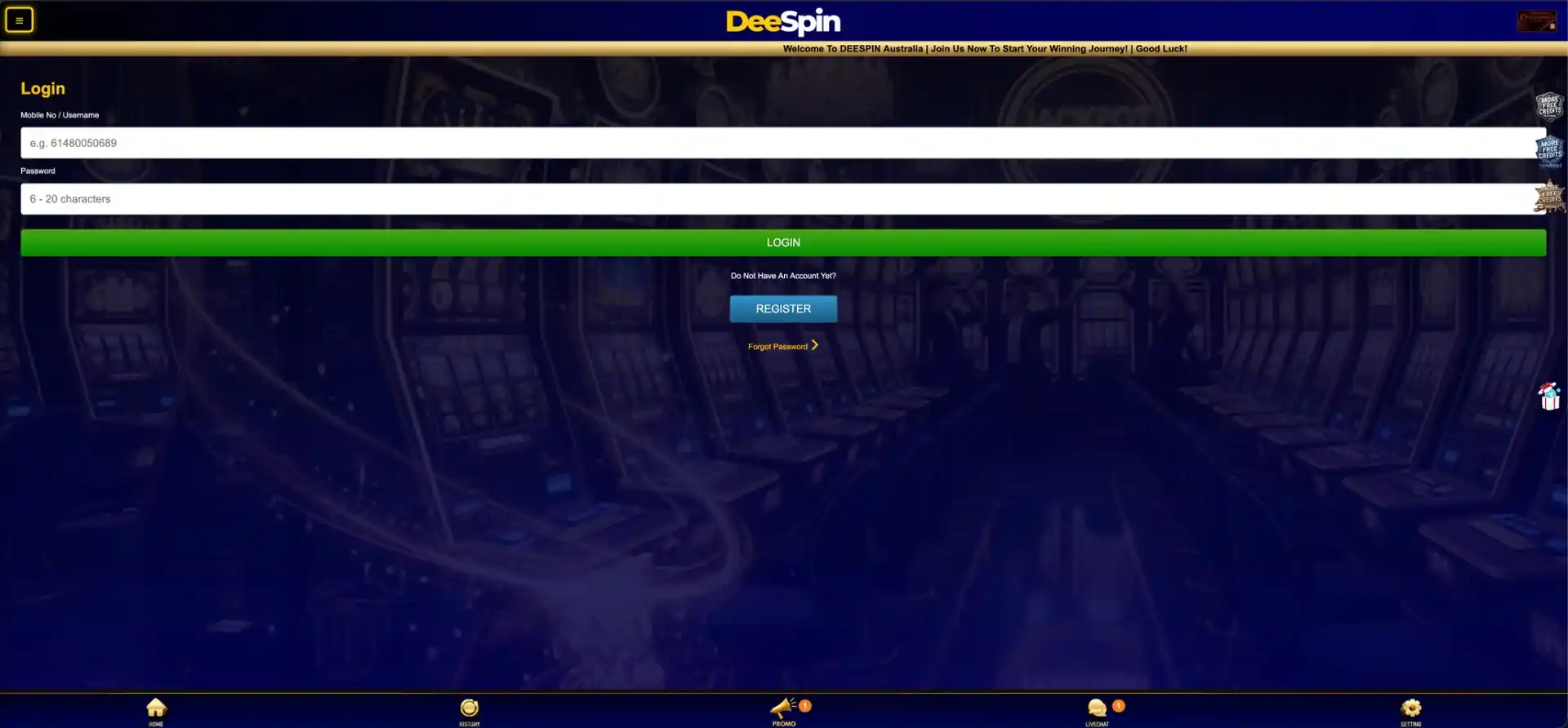
DeeSpin login uses the Australian mobile number registered with the account, entered in the 61 format, and the password chosen at sign-up. The Log in button sits in the top navigation on desktop and mobile. There is no email login and no sign-in through Google or Facebook. After logging in, the bottom bar gives quick access to Home, History, Promo, Livechat and Settings. A forgotten password is reset through the mobile number, and the 24/7 live chat helps when the number or account cannot be recovered that way.
- Tap Log in
- Enter mobile and password
- Open the lobby
01. How to log in
Signing in takes four steps:
- Open DeeSpin in the browser or the app.
- Tap Log in in the top navigation.
- Enter the mobile number in the 61 format, for example 61 412 345 678.
- Enter the password and confirm.
The balance, the Promo section and the cashier are available straight after login. On a personal phone, the browser can save the login so the next visit opens directly into the account.
What is in the account
The bottom bar groups the main account sections:
| Section | What it shows |
|---|---|
| Home | The lobby with Booongo, Aristova, Slot, Sport, Fast Game and Live tiles |
| History | Deposits, withdrawals and game records |
| Promo | Bonus cards, targets and the AU$28 Free Gift |
| Livechat | 24/7 support |
| Settings | Account details and password |
02. Login problems
Most failed logins have one of a few causes:
| Problem | Fix |
|---|---|
| Number not recognised | Enter it in the 61 format without the leading 0 |
| Wrong password | Check caps lock, then use the password reset |
| SMS for reset not arriving | Wait a minute, check signal, request again |
| New mobile number | Contact live chat to update the account |
| Page not loading | Clear the browser cache or try another browser |
| Account locked | Contact live chat for the reason and next steps |
Repeated failed attempts can temporarily lock the account as a safety measure, so after two or three tries the password reset is the better route.
03. Account security
A few habits keep a DeeSpin account safe:
- Use a password close to the 20-character limit, not shared with email or banking.
- Never share the password or SMS codes, including with anyone claiming to be support.
- Log out on shared or public devices.
- Open DeeSpin from a saved bookmark or the installed app rather than links in messages.
- Check History regularly for any activity that does not look familiar.
Phishing messages
Messages promising a bonus in exchange for a login, a password or an SMS code are scams. DeeSpin promotions are claimed from the Promo section inside the account, and deposit details always come from the cashier. When in doubt, the live chat inside the account can confirm whether a message is genuine.
Staying logged in on mobile
On a personal phone, the home-screen shortcut or the app from the Download App banner keeps the session open between visits, so the mobile number and password do not need to be entered every time. On a shared tablet or computer, logging out through Settings after each session is the safer choice. If the mobile number changes, the account should be updated through the live chat before the old SIM is cancelled, since password resets rely on that number. Setup steps for the shortcut are on the DeeSpin app page.
Login and bonuses
Several DeeSpin rewards depend on logging in regularly. The Daily Check In Bonus is credited for checking in each day, and the Daily Red Packets pay between AU$4.88 and AU$58.88. Neither requires a code; both appear in the Promo section after login.
FAQ
Common questions about DeeSpin login.
Can DeeSpin be accessed with an email login?
No. Login uses the registered mobile number and password.
How is a DeeSpin password reset?
Through the password reset on the login screen, which uses the mobile number. The live chat helps if that fails.
Is the login the same on the app?
Yes. The same mobile number and password work in the browser and the app.