
Download App banner · home-screen shortcut · full mobile browser version
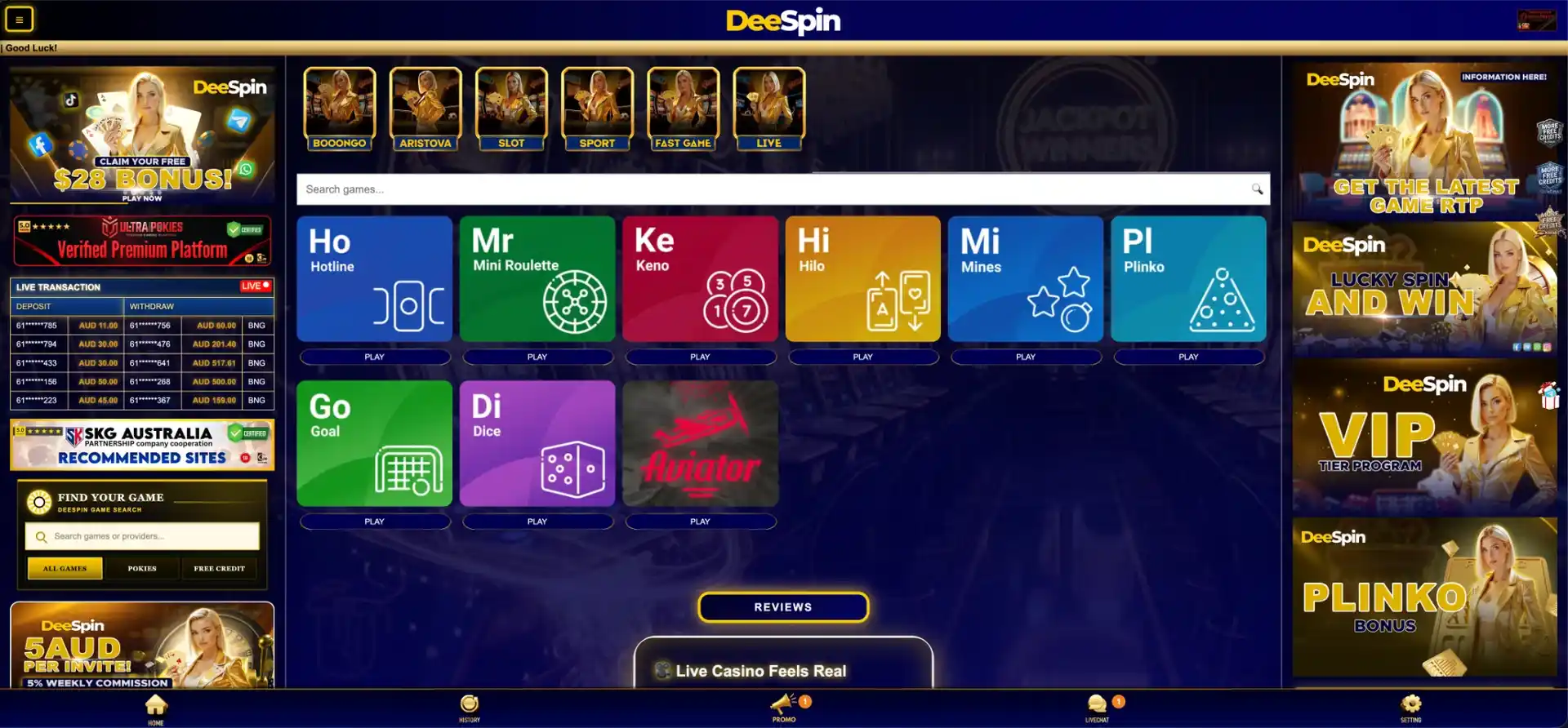
DeeSpin runs as a mobile-friendly site in any phone browser, and a Download App banner on the site shows App Store and Google Play badges for installing the app. Players who prefer not to install anything can add a home-screen shortcut, which opens DeeSpin like an app. The same account, AUD balance and bonuses work everywhere, and login uses the registered mobile number and password. The mobile layout keeps the top navigation for Bonus, Pokies, Withdrawal and App, and the bottom bar for Home, History, Promo, Livechat and Settings.
- Open the Download App banner
- Install or add a shortcut
- Log in with a mobile number
01. How to install
Three ways to put DeeSpin on a phone:
iPhone
On iOS, Safari handles both routes:
- Open DeeSpin in Safari.
- Tap the Download App banner and follow the App Store badge, if shown.
- Alternatively, tap Share and choose Add to Home Screen.
- Open the new icon and log in with the mobile number and password.
Android
On Android, Chrome handles both routes:
- Open DeeSpin in Chrome.
- Tap the Download App banner and follow the Google Play badge, if shown.
- Alternatively, open the browser menu and choose Add to Home screen.
- Open the icon and log in.
Safe installation
The install should always start from the banner on the official site. Links to app files sent by message or posted in comments may not lead to the genuine app.
02. App features
Everything on the desktop site is available on mobile:
- Pokies from Booongo, Aristova, JILI and Gamzix, mostly Hold and Win.
- Fast games and crash titles such as Aviator, Mines, Plinko, Keno, Hilo and Dice.
- Live casino tables from studios such as Big Gaming, Sexy Baccarat and Iconic21.
- The sportsbook through the Sport tile.
- The cashier for PayID and bank transfer deposits from AU$10 and withdrawals from AU$30.
- The Promo section with the AU$28 Free Gift, deposit bonuses and Booongo free spins.
- 24/7 live chat from the bottom bar.
03. App or browser
Both routes give access to the same account; the difference is convenience:
| Feature | App or shortcut | Mobile browser |
|---|---|---|
| Installation | From the Download App banner or Add to Home Screen | None |
| Opening | One tap from the home screen | Type the address or use a bookmark |
| Login | Mobile number and password | Mobile number and password |
| Games and bonuses | Full range | Full range |
| Payments | PayID and bank transfer | PayID and bank transfer |
| Storage | Small for a shortcut, more for an installed app | None beyond cache |
For players who visit often, the shortcut or app saves typing and avoids look-alike sites. For occasional play, the browser is enough.
Troubleshooting
Common mobile issues and quick fixes:
| Issue | Fix |
|---|---|
| Games load slowly | Switch to Wi-Fi or close other apps |
| Download banner not shown | Use Add to Home Screen from the browser menu |
| Logged out often | Allow cookies for the site in browser settings |
| Screen layout broken | Clear the cache or update the browser |
| Live tables freeze | Check signal strength; live video needs a steady connection |
If none of these help, the live chat in the bottom bar can check the account and device.
Playing on mobile with a plan
A phone makes it easy to play in short bursts throughout the day, which can add up faster than a single session at a computer. Setting a daily or weekly budget before opening the app, and checking History now and then, keeps mobile play in proportion.
Mobile payments
PayID suits mobile play well: the banking app and DeeSpin sit side by side on the same phone, so copying the PayID from the cashier and pasting it into the bank takes seconds. Deposits start at AU$10 and withdrawals at AU$30, exactly as on desktop. Many Australian banking apps also let customers block or limit gambling payments, which is worth knowing when the casino and the bank are a tap apart.
Bank notifications on the same phone also confirm each deposit the moment it leaves the account, which makes it easy to match payments against the History tab in DeeSpin.
FAQ
Common questions about the DeeSpin app.
Is there a DeeSpin app for iPhone?
The Download App banner on the site shows an App Store badge. A home-screen shortcut through Safari works as well.
Is there a DeeSpin app for Android?
The banner shows a Google Play badge, and Chrome can add a home-screen shortcut.
Do bonuses work in the app?
Yes. The account, AUD balance and Promo section are the same on every device.